
Imagine a customer is standing on your street, phone in hand, searching for exactly what you offer. Your shop is right there, but you’re invisible.
This is the reality for businesses that haven’t completed their Google My Business verification. Getting this done unlocks local search visibility and makes it easy for people to find your shop through Google Maps. It’s how you claim your spot on Google Maps and in search results, and how you ensure your business gets seen, chosen, and contacted.
The Google My Business verification process can feel overwhelming, especially once you start comparing the different Google My Business verification methods available. This guide breaks down each one so you know exactly which route fits your business.
Google My Business Verification Methods
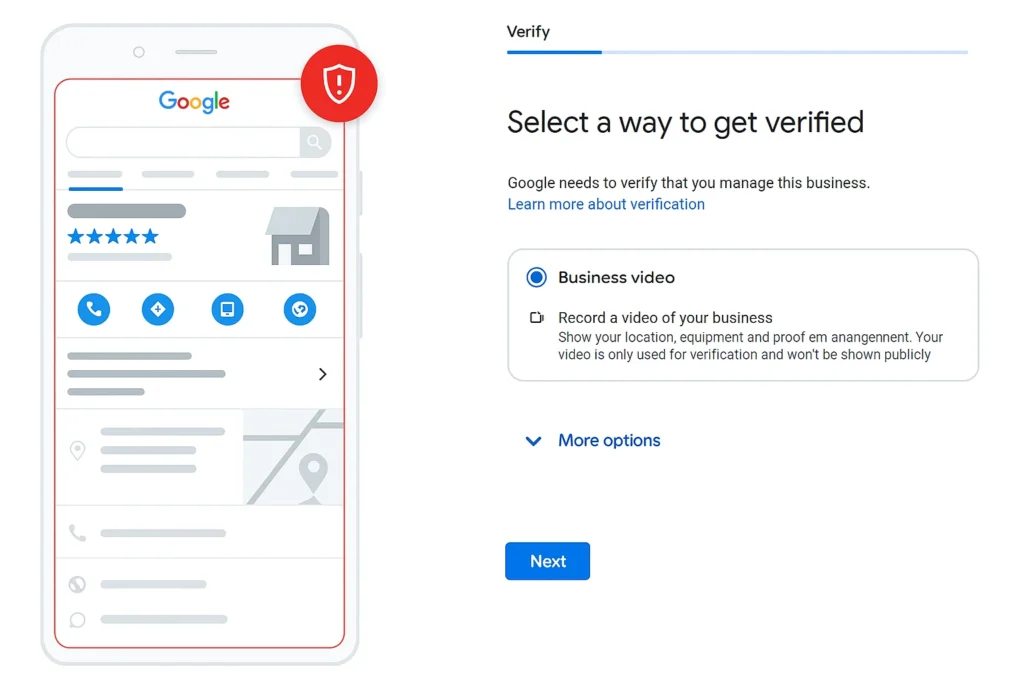
Video Verification:
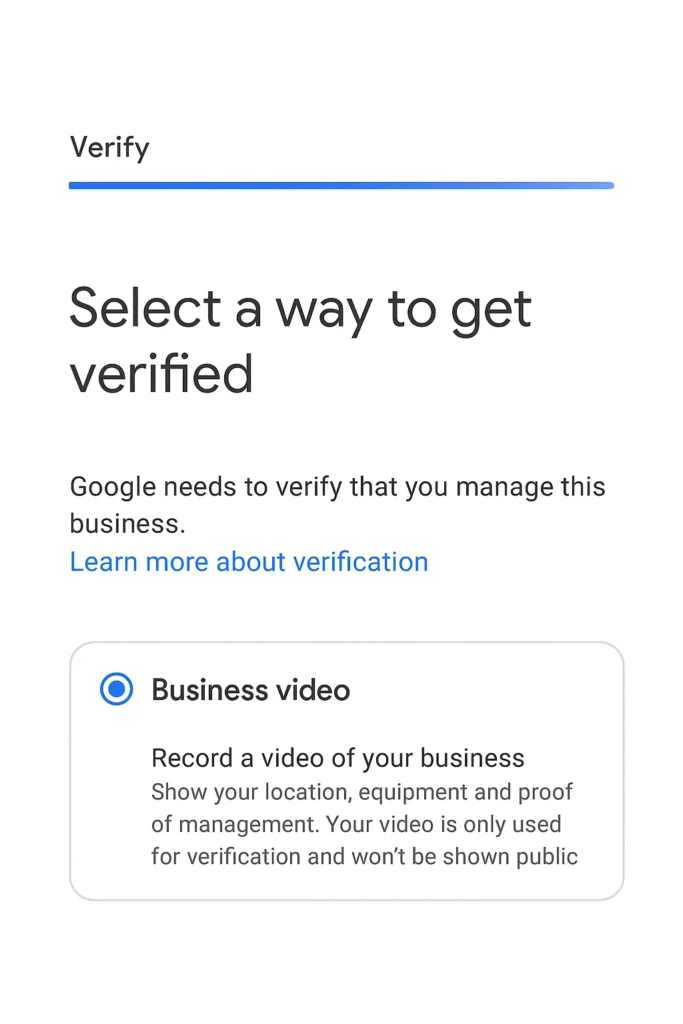
Video verification is one of the newer Google My Business verification methods, often used for high-risk categories or when other options aren’t available. It involves a live video call or recorded walkthrough where you show your business location and operations – panning around the premises, showing signage, and sometimes your point-of-sale system or official documents.
Instant Verification:
Phone Call Verification:
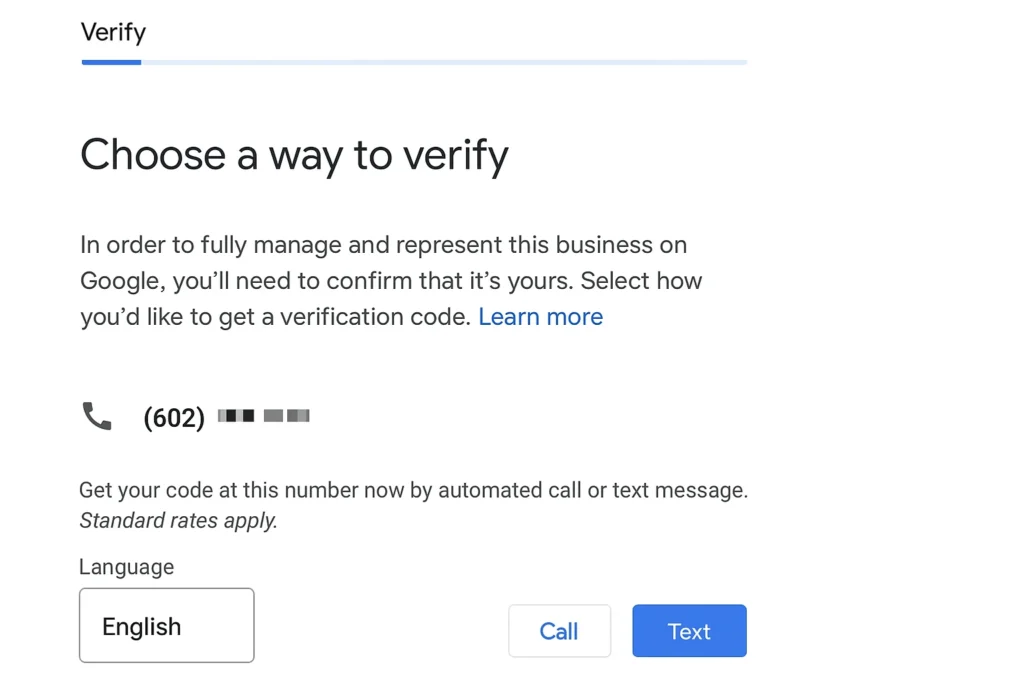
For many businesses, phone verification balances speed and security well. If it’s available, you’ll see a “Verify by phone” option after requesting verification. Google calls your listed business number and provides a unique verification code that Google If your business already has a strong trust relationship with Google – typically through Google Search Console using the same account – Google Business Profile instant verification is the fastest path available. There’s no code, no waiting period. The system automatically links the trust from your Search Console account to your profile, making the entire Google Business verification code process a one-time step. If this feels confusing, a local SEO expert can set up your listing and handle verification for you.
Business Systems generates automatically.
You need access to that phone line to receive the call and note down the code, then enter it into your Google Business Profile manager. This method typically completes within minutes, letting you start appearing in local search almost immediately – no fourteen-day wait like the postcard route.
Email Verification:
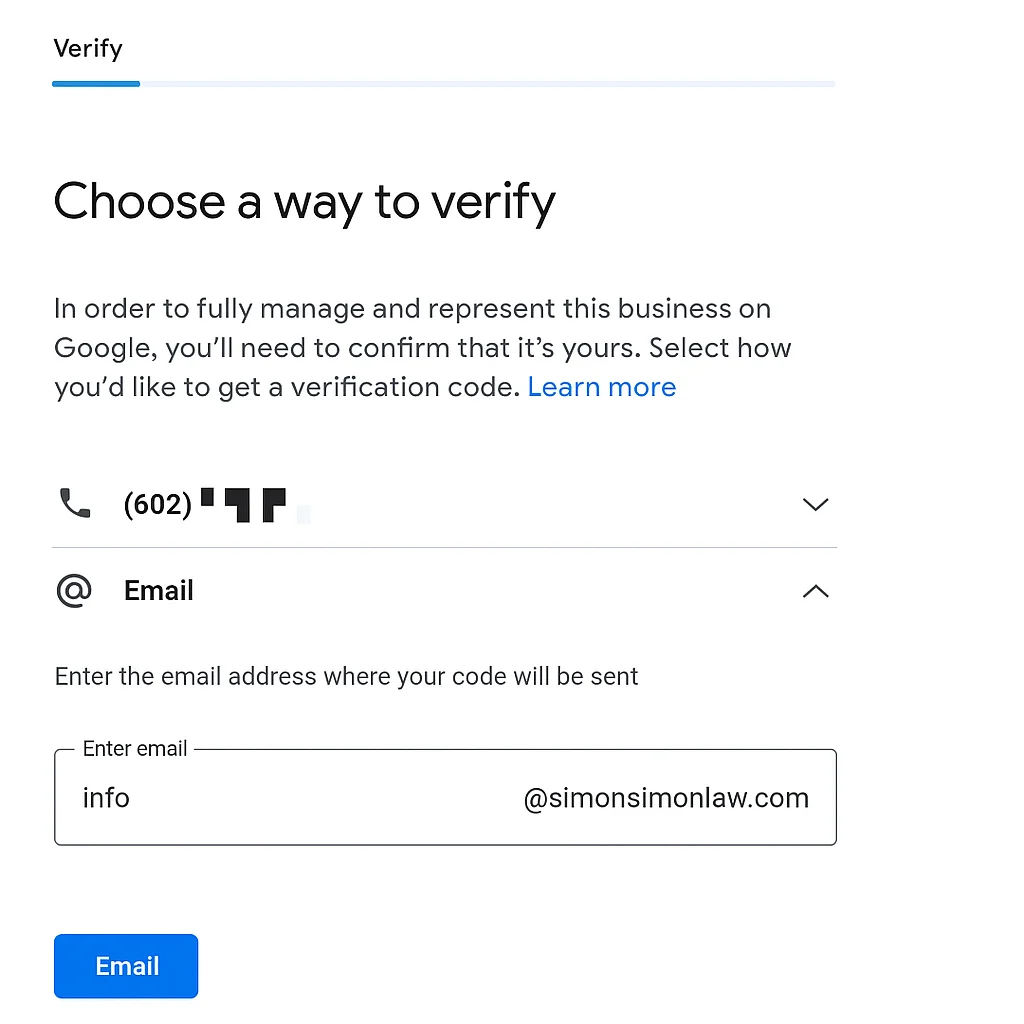
Google My Business email verification works similarly. You’ll receive an email with a unique code in the message body, which you then enter back into your profile manager under the verification section.
To Google My Business verify by email, the account requesting verification needs access to the business’s official inbox – this is intentional, since it confirms whoever manages the listing also controls the business’s real communication channels. The Google My Business verification code sent this way is a core part of Google’s overall security protocol for the platform, and reaching out to an experienced SEO team can make the process smoother if anything looks unclear.
Postcard Verification:
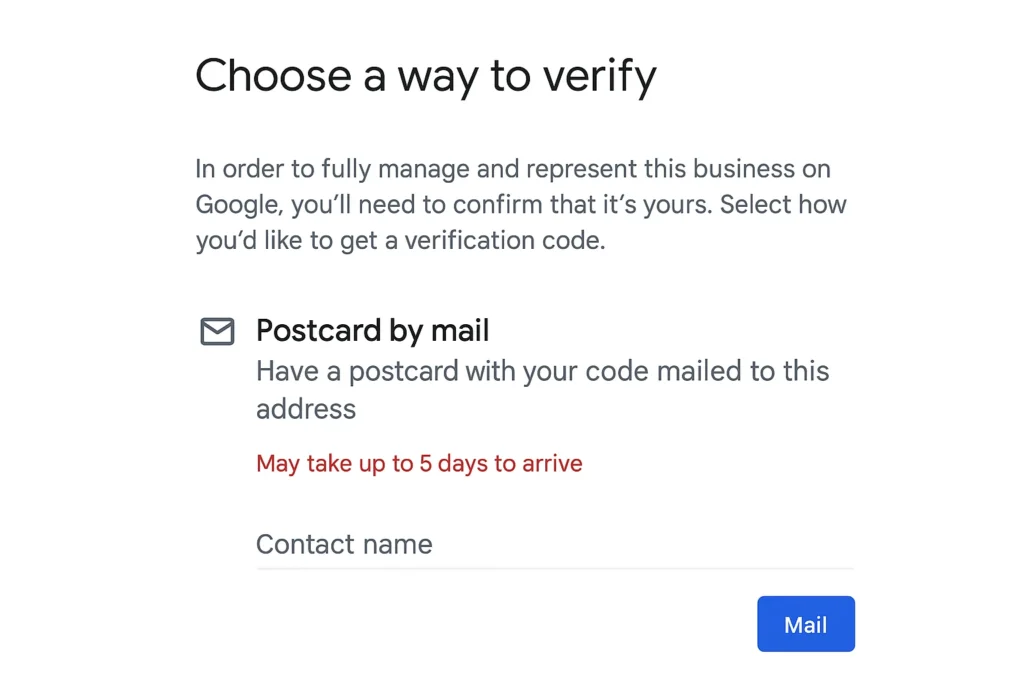
Postcard verification remains the most traditional and widely available method. Google prints a unique 5-digit code and mails it to your listed business address – a process that can take up to 14 days, so patience matters here.
The point of this method is to prove your business has a legitimate, mail-receivable physical location. Once the postcard arrives, log into your profile manager, find the “Enter code” field, and type in what’s printed. Don’t edit your business name, address, or category while waiting, since that can cancel the request and force you to restart the whole process.
For businesses hoping to skip this wait entirely, google my business verification without a postcard is possible through phone, email, or instant verification when those options are available for your account – postcard is typically Google’s fallback when nothing else qualifies, not the only route. Similarly, Google business verification without a postcard becomes achievable once your listing history or account trust level opens up faster alternatives.
BRB Digital: Making Your Google My Business Verification Easy
Verification shouldn’t cost you weeks of back-and-forth or a suspended account over a small mistake. Our local SEO team handles the entire process – identifying which Google Business verification method actually applies to your listing and walking you through it correctly the first time.
Connect with our local SEO experts today.
Conclusion
Completing Google My Business verification is a non-negotiable step, and it can genuinely feel daunting. But the listing it unlocks brings real opportunities – better local search visibility and stronger customer engagement. Whichever method you choose, it validates your business’s authenticity to both Google and the customers searching for you. You can absolutely do this yourself, but hiring professional SEO experts is often the safer route. One wrong move during the process, and Google can suspend the account entirely.
FAQs
Ensure your business info is accurate. Sign in to Google Business Profile, find your listing, and click “Verify.” Choose an available method and follow the steps.
Your number may be unlisted, a restricted VoIP line, or incorrect. Most importantly, make sure you can answer calls when you opt for “Verify My Business by phone”. If there’s any issue, use an alternative Google My Business verification method to complete the process.
Verify a location via Google Business Profile verification to prove ownership. Common methods include a postcard with a code, a phone call, email, instant verification, or a video call, completing the Google My Business Verify My Business process.
To verify a business on Google, claim your Google Business Profile. Search for your business, click “Claim,” or use the profile website. After entering the correct details, you’ll begin the Google My Business verification by selecting a confirmation method.
To verify your business on Google without a video, use postcard, phone, or email verification. Check if you qualify for instant verification. Log in to your profile to see which non-video Google My Business verification options are available for your listing.
Update the number in your profile first. If Google My Business verification by phone fails, use the postcard method instead. This “business verification Google” method sends a code to your business address, providing a reliable solution that doesn’t require the old phone number.