
Picture a family searching for a nearby place to eat after work. They compare photos, opening hours, menus, reviews, and directions before visiting any website. If your restaurant information is incomplete, that family may choose a competitor whose details are easier to trust.
A well-maintained Google Business Profile for restaurants makes essential information visible in Google Search and Maps. It helps diners decide whether your venue fits their plans and gives them practical ways to call, navigate, book, or order. This guide explains how to build a useful profile, maintain it consistently, and measure the actions that matter.
What Is a Google Business Profile for a Restaurant?
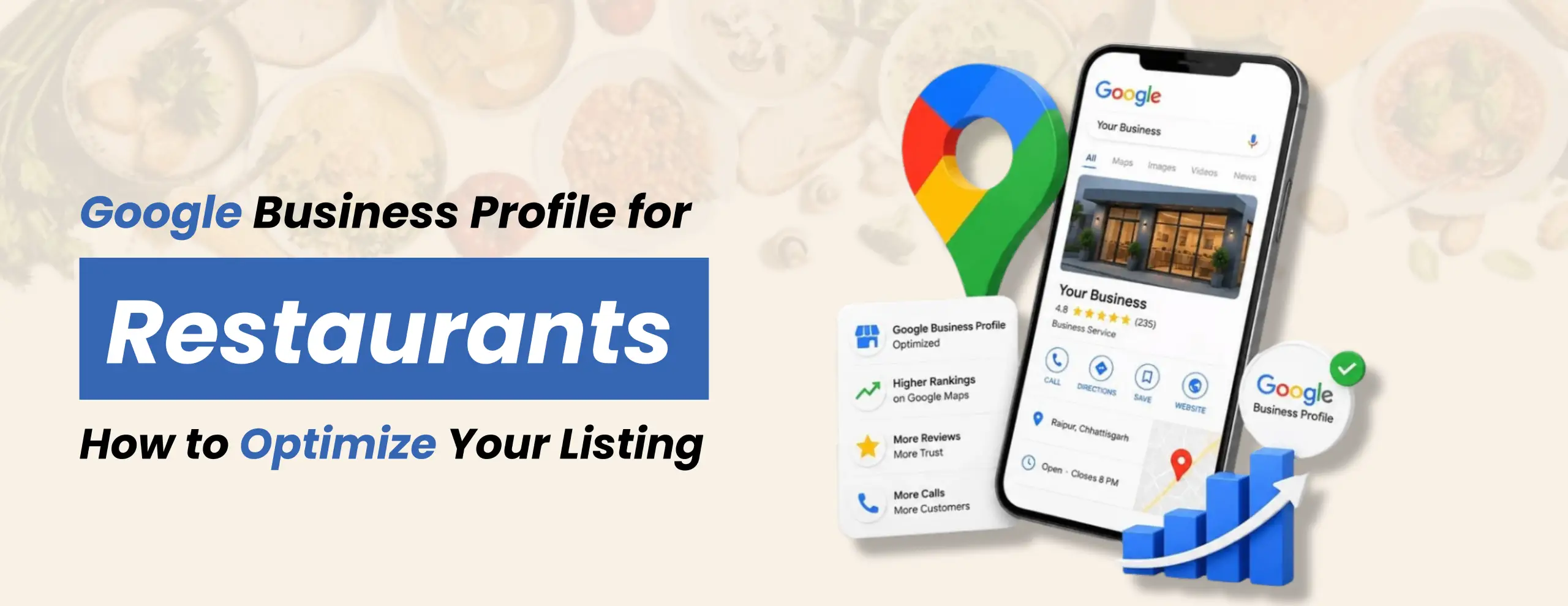
A Google Business Profile is the business listing that eligible restaurants can manage on Google Search and Maps. It can display the restaurant name, location, opening hours, contact details, category, photographs, menu information, reviews, and available booking or ordering links. What appears can vary by location, device, and feature availability.
Think of it as your restaurant’s digital front door. A diner looking for a vegetarian café in Noida wants clear information immediately, not a maze of broken links. Your listing should answer basic questions: Where are you? What food do you serve? Are you open? How can someone reach you?
The profile complements, rather than replaces, a helpful website. A dedicated restaurant page can explain signature dishes, ambience, group dining, accessibility, and the experience behind your brand. Together, these assets give visitors a consistent picture.
Why Google Business Profile Matters for Restaurants
Restaurant choices are often made with immediate local intent. People search while planning dinner, meeting friends, ordering lunch, or exploring a new neighbourhood. An accurate listing helps them compare options with less friction.
For owners, the benefits are practical: fewer calls about incorrect hours, clearer directions, easier access to menus, and opportunities to respond to genuine customer feedback. Attractive, truthful photos also help diners understand what to expect.
But restaurant local SEO is not just a matter of filling every field. Your website, business details, customer experience, and online reputation should reinforce one another. Google explains that local results consider relevance, distance, and prominence; no business can buy or request guaranteed placement in organic local results.
How to Set Up or Claim Your Restaurant Profile
Start by searching for your restaurant’s exact trading name on Google Search or Maps. If a listing exists, use the available ownership-claim process instead of creating an unnecessary duplicate. If none exists, follow Google’s business creation process with the correct name and physical location.
Sign in with an account your restaurant controls. Complete the applicable verification steps Google provides; verification options can differ between businesses. Keep ownership with the business, and grant a trusted agency manager access rather than surrendering your credentials.
Next, check the spelling of your real-world business name, map pin, contact number, website, and hours. Choose the most accurate primary category, such as the appropriate restaurant type, with relevant additional categories where available. Do not stuff keywords, city names, or promotional phrases into the business name.
Finally, verify that guests can actually use the displayed links. Open the menu on a mobile phone, test the reservation journey, and call the listed number. For multiple outlets, establish an individual accurate profile for each eligible location rather than copying the same address or contact details across branches. A consistent Google Business Profile for restaurants workflow makes branch-level checks easier without pretending that every outlet is identical.
8 Ways to Optimize Your Restaurant’s Google Business Profile
1. Choose accurate categories and describe the experience
Select categories that reflect what the restaurant really is, not every cuisine or service you hope to rank for. A bakery café and a fine-dining restaurant offer different experiences. Relevant categories help Google and customers interpret the business accurately.
Write a concise description in a natural voice. Mention cuisine, dining style, neighbourhood, and real differentiators such as family seating or freshly prepared regional dishes. Skip exaggerated claims, repeated keywords, and offers that belong in separate updates. Accurate details are more persuasive than a long sales pitch.
2. Keep opening hours and contact details current
Incorrect hours create a particularly frustrating customer experience. Check regular opening times, kitchen closing times where communicated elsewhere, and special hours during public holidays or temporary closures. Confirm the address, phone number, website, and map pin after any change.
For restaurant local SEO, consistent details across your website and trusted listings can reduce confusion. Assign someone on the team responsibility for updates. A short weekly review is easier than resolving a stream of complaints after guests arrive at a closed venue. Consistency between the listing, website, and reservation platforms also reduces confusion.
3. Maintain a readable, up-to-date menu
Google provides restaurant menu features, including supported menu links, menu photos, and editing options. Availability and display can vary. Organize dishes into sensible sections, use correct names and descriptions, and update pricing or availability when it changes.
A customer should be able to understand whether your restaurant serves breakfast, vegetarian choices, or a particular speciality. Use clear photographs if you upload a menu image; tiny print is difficult to read on mobile. Review user-contributed menu photos as well, because an outdated image can mislead potential diners.
4. Add authentic food, interior, and exterior photos
People want to visualize their visit. Publish sharp, natural photographs of real dishes, seating areas, the entrance, and the surroundings. An exterior photo can help first-time guests recognize the storefront; interior photos communicate layout and atmosphere.
Avoid misleading stock imagery or excessive editing that changes how food looks. Include useful variety rather than twenty almost-identical shots. Refresh photos when the décor, menu, or seasonal offering changes. Follow Google’s image and content policies for every upload.
5. Request and respond to genuine customer reviews
Feedback reveals what diners value and what needs attention. Invite customers to leave an honest review through a compliant link or QR code, without rewards, pressure, or selectively asking only happy customers. Never purchase reviews or post them through employees pretending to be diners.
Respond politely to praise and criticism. Thank guests for specific feedback without revealing private details. When a complaint needs investigation, acknowledge it and offer a suitable direct contact method. A thoughtful reply demonstrates accountability; it is not a shortcut to guaranteed rankings.
6. Publish relevant updates and offers
Where available, Business Profile posts can communicate a special menu, event, seasonal service, or genuine offer. Write clearly, confirm dates, and include a suitable action link. Avoid posting stale offers that leave diners disappointed.
A restaurant launching a weekend brunch might publish a fresh image and link to its booking page. The update should be useful even if someone never clicks. Posts are a communication feature, not a proven requirement to publish every day for better rankings.
7. Check booking, ordering, and website links
For restaurants that support them, reservation and food-ordering connections can reduce the gap between discovery and action. Review the available profile settings and approved provider integrations for your market. Do not assume every feature appears in every country.
Test links from a mobile phone, including the final confirmation step. If guests click to book and reach an error page, an otherwise strong listing may waste valuable interest. Use consistent destination URLs and tracking where suitable, without breaking the customer journey.
8. Coordinate the listing with your website and social channels
Your profile should not tell a different story from your restaurant website. Match the name, address, phone number, service details, menus, and hours. Add clear location and contact information to the website, along with helpful information about cuisine and facilities.
BRB Digital’s restaurant digital marketing guide explains how search visibility connects with broader customer acquisition. Its social media marketing for restaurants article explores how memorable food content can complement search-driven discovery. Keep each channel useful in its own right.
Google Maps SEO for Restaurants: What Influences Visibility?
Google Maps SEO for restaurants begins with relevant, accurate information, but location is fundamental. Google’s published explanation groups local ranking factors into relevance, distance, and prominence. Relevance concerns the fit between the business and the query. Distance reflects how far the restaurant is from the searcher’s location or specified area. Prominence relates to how well known the business is, including signals such as reviews and information across the web.
You can improve data quality and the experience you provide, but cannot move the restaurant closer to every searcher. Build useful location information on your own website, maintain truthful listings, and earn genuine reviews through good service. Avoid buying promises of guaranteed Maps positions.
For a more general overview, see BRB Digital’s Google My Business optimization guide. Restaurant-specific improvement should still prioritize menus, real dining photographs, accurate operating hours, and convenient booking paths.
How to Measure Google Business Profile Performance
Open the performance area while signed into the Google account that manages your profile. Available reporting can include how people discover and interact with the business across Search and Maps. Review the metrics actually shown for your account rather than assuming every restaurant has the same dashboard.
Track a small set of meaningful trends: profile views, calls, direction requests, website clicks, and available booking or ordering actions. Compare equivalent periods, noting holidays, weather, promotions, and changes in opening hours. A spike in views matters less if customers cannot reach the restaurant.
Connect website analytics and reservation reporting where possible. For example, measure visits to the booking page and completed reservations separately; do not report a direction request as a confirmed in-store sale. Use month-over-month patterns to decide which listing updates or customer-experience issues deserve attention.
Common Restaurant Profile Mistakes to Avoid
The biggest mistakes are often operational rather than technical: duplicate profiles, inconsistent addresses, old menus, missing holiday hours, poor-quality photos, and unanswered feedback. Another risk is giving an outside supplier sole ownership of the profile, making changes difficult later.
Avoid making the business name a keyword list, copying descriptions between unrelated outlets, or using incentives to influence reviews. Restaurant Google listing optimization should never depend on shortcuts or artificial reviews. Keep a documented checklist and assign one person to check details regularly. Good information hygiene supports customers even when search rankings fluctuate.
Turn Your Restaurant Listing Into a Better Customer Experience
An optimized Google Business Profile for restaurants is ultimately about helping diners make confident decisions. Accurate details, appealing real photos, useful menus, respectful review responses, and working links remove friction from the journey between search and visit.
If managing all those pieces feels difficult alongside daily operations, BRB Digital can help connect local visibility with a practical marketing plan. Explore our restaurant marketing agency services in Noida or contact BRB Digital to discuss your restaurant’s goals, existing listing, and next steps.